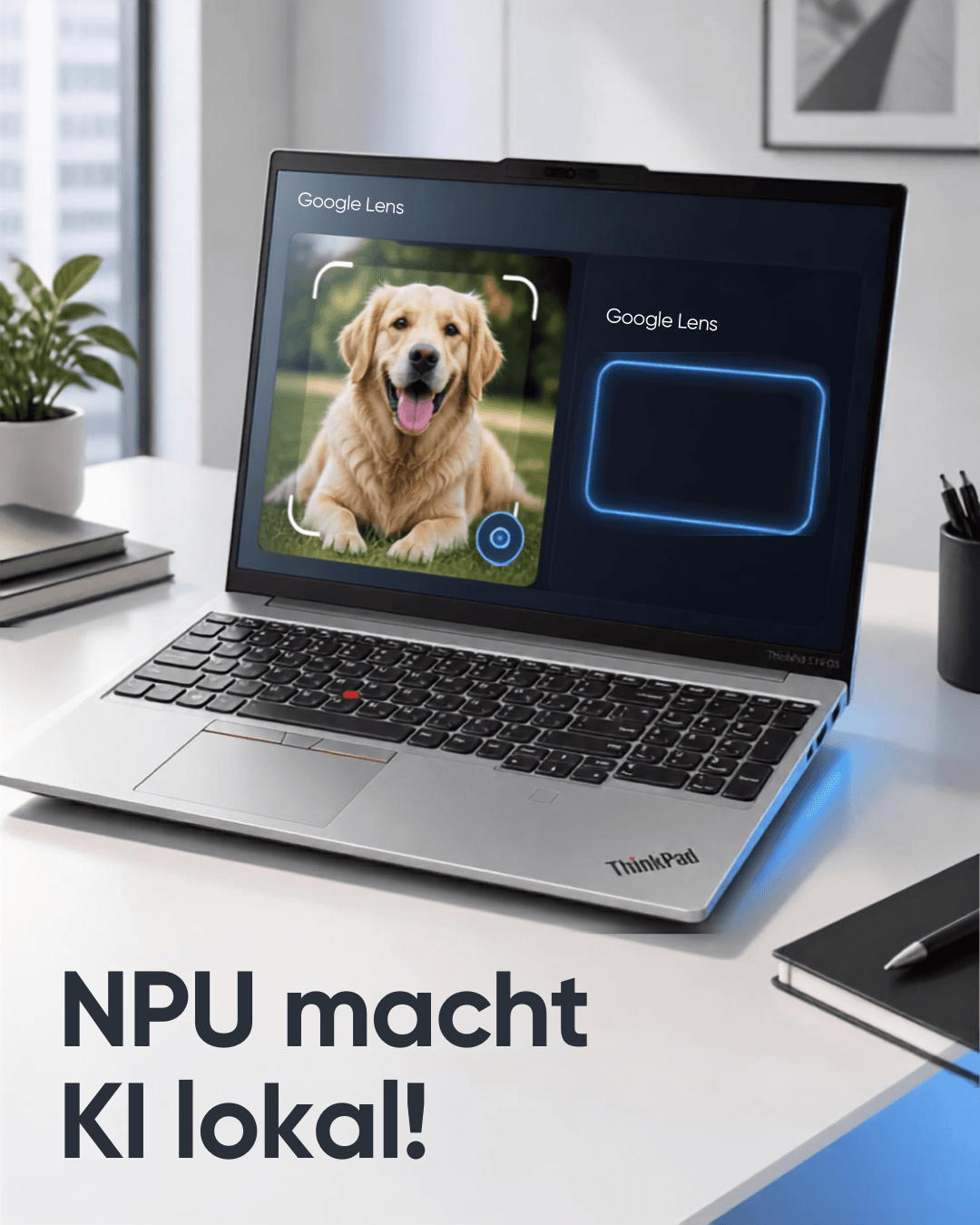
Artificial intelligence doesn’t always have to run in the cloud. Modern laptops are now capable of running AI applications on their own. In addition to powerful processors and graphics units, this is increasingly made possible by specialized NPUs.
I wanted to find out how much of that actually translates to real-world performance.
For this test, I’m using my Lenovo ThinkPad E16 G3 with an Intel Core Ultra 5 228V and 32 GB of RAM. For me, this laptop isn’t a traditional AI machine, but rather an everyday device for school, programming, WordPress, and running multiple applications simultaneously.
That’s exactly why I’m interested in the question:
Can a relatively standard laptop make meaningful use of local AI—and does the integrated NPU actually make a difference?
What is local AI?
With a traditional AI service, such as an online AI chat, the actual computation is primarily performed on the provider’s servers.
With local AI, on the other hand, the AI model runs on your own computer.
This has some interesting advantages.
The data doesn’t necessarily have to be sent to an external server for processing. Additionally, a local model can generally be used even without an active internet connection once it’s been installed on the device.
However, this requires sufficiently powerful hardware.
The larger and more complex the model, the more RAM and processing power are required.
My test device: ThinkPad E16 G3
For my test, I’m using my own ThinkPad E16 G3.
The most important specs for AI:
- Intel Core Ultra 5 228V
- 32 GB of RAM
- 512 GB SSD
- Integrated Intel graphics
- Integrated NPU
- Windows
I didn’t originally choose this device solely for its AI features.
For me, the combination of business-oriented design, build quality, keyboard, 32 GB of RAM, programming performance, and suitability for everyday use were the most important factors.
The AI capabilities are therefore an interesting bonus feature.
CPU, GPU, and NPU: What’s the difference?
The three processing units have different tasks.
CPU – the all-rounder
The CPU handles traditional computing tasks and can also perform AI calculations.
It is very flexible and remains the heart of a computer.
GPU – Specialized in Parallel Computations
Graphics processing units can perform certain mathematical calculations extremely efficiently in parallel.
This makes high-performance GPUs particularly attractive for AI.
That’s exactly why many high-performance AI and gaming laptops have a dedicated graphics card.
NPU – Specialized in AI
A Neural Processing Unit is specifically designed for certain AI computations.
It’s not simply a matter of adding another processor.
A key advantage of the NPU is its efficiency in handling specific AI tasks. It can take on tasks that would otherwise require a CPU or GPU.
This can be particularly useful for functions that regularly use AI in the background.
But does local AI actually use the NPU?
Here lies an important difference between marketing and reality.
Just because a laptop has an NPU doesn’t automatically mean that every local AI model uses it.
Which processing unit is actually used depends on the specific software and its support for the corresponding hardware.
For example, a local language model might use the CPU or GPU, while another AI application specifically uses the NPU.
That’s why, when it comes to a so-called AI PC, you shouldn’t just focus on the NPU.
My First Step: LM Studio
LM Studio is particularly well-suited for my hands-on test.
The software allows you to download compatible language models and then run them locally.
The interesting thing about it: After downloading the model, a permanent connection to a cloud AI service isn’t required for the actual text generation.
This makes it very easy to see what your own laptop can do with local AI.
How powerful does a local AI model need to be?
A common mistake when it comes to local AI is focusing on models that are as large as possible.
More parameters do not automatically mean that the model is more useful on your own laptop.
For a mobile computer, a smaller model is often much more practical.
My ThinkPad has 32 GB of RAM. This opens up significantly more possibilities than a laptop with only 8 or 16 GB.
However, the 32 GB doesn’t have to be reserved exclusively for the AI model.
Windows, browsers, development environments, and other programs also require RAM.
This becomes particularly interesting if you want to use local AI not in isolation, but while performing your regular work.
Local AI in Programming
For my personal use case, programming is particularly interesting.
For example, a local language model can handle tasks like this:
“Write a PHP function that checks whether a number is a prime number.”
Or:
“Explain this PHP code to me and find any possible errors.”
This way, local AI can become an additional tool for learning and programming.
This is particularly interesting for beginners because you can ask questions directly to a local model without having to call an external service every time.
Of course, you shouldn’t blindly accept generated code.
Even with local models, AI can produce incorrect or unreliable answers.
Local AI and Data Privacy
Another interesting aspect is data privacy.
With a local model, the input data generally never leaves your own computer for actual processing.
This can be particularly useful, for example, when working with personal documents or internal information.
However, it’s important to make a clear distinction here:
“The model runs locally” does not automatically mean that all the software used operates offline.
For example, a program may have additional online features.
If you truly want to work completely offline, you should therefore take the network connections of the respective application into account.
What are the benefits of the NPU in everyday use?
In my opinion, the NPU is particularly useful when applications actually support it.
On a modern laptop, it can handle certain AI tasks in an energy-efficient manner.
These include, for example, certain speech, image, camera, or audio functions.
But that also means:
The NPU is no substitute for a high-performance graphics card.
Anyone who wants to run large local language models, image generators, or other computationally intensive AI applications will often benefit much more from a powerful GPU, depending on the application.
The NPU has a different purpose.
It is designed to efficiently handle specific AI tasks on the device.
Why 32 GB of RAM is useful for my use case
In my own use case, many programs run simultaneously.
Among other things, I use the laptop for:
- Programming
- WordPress
- Browsers with numerous tabs
- Office
- PDFs
- Research
- Media
- Local AI
32 GB of RAM gives me more flexibility.
For a laptop used exclusively for office work, 32 GB might not be necessary.
But when you combine programming, virtual development environments, browser tabs, and local AI, additional RAM becomes more appealing.
I see this as a practical advantage, especially for a laptop that’s meant to be used for several years.
Can local AI replace a cloud service?
To some extent.
For simple questions, summaries, explanations, or programming assistance, a local model can certainly be useful.
For very complex tasks or particularly large models, however, cloud services still offer significant advantages.
In some cases, these services provide enormous computing resources that a thin laptop simply cannot offer.
Local AI is therefore not necessarily a substitute for cloud AI.
Rather, they are two different approaches.
Cloud AI: maximum available computing power and large models.
Local AI: more control, offline capability, and processing directly on your own device.
Who can benefit from local AI?
High school and college students
Anyone studying programming or computer science can use local AI as an additional learning tool.
Programmers
Explaining code, creating examples, or analyzing errors are some possible use cases.
Privacy-conscious users
Local processing can be a good option when you want to avoid unnecessarily transferring data to external AI services.
Tech enthusiasts
For me personally, the technical aspect is particularly interesting: You can test for yourself what modern laptop hardware is actually capable of.
My conclusion so far
The experiment shows one thing above all:
A modern laptop doesn’t automatically need a powerful dedicated graphics card to handle local AI.
The ThinkPad E16 G3 with a Core Ultra 5 228V and 32 GB of RAM offers an interesting foundation for on-device AI applications.
However, the NPU shouldn’t be viewed as a magical AI accelerator.
The key factors are whether the software in question supports the NPU at all and what task is to be performed.
For on-device language models, therefore, the CPU, GPU, RAM, and the model size used also play an important role.
This is exactly where I see the interesting aspect of the current generation of AI PCs:
The real progress isn’t just that a laptop can suddenly “do AI.”
Much more exciting is the question of which AI tasks can be handled directly on one’s own computer in the future—in a practical, fast, and energy-efficient way.
And that’s exactly what I’ll continue to explore with my ThinkPad E16 G3.
This article kicks off a series of hands-on tests covering local AI, NPUs, programming, and modern AI PCs.
Leave a Reply